
Writing Day One
Your workspace is set up. Now let's get words on the page.
Story Foundation
Before writing, you can define the core elements of your story. Click Building your Story Foundation from the welcome screen (or use the command palette: TalePal: Open Story Foundation).
The Story Foundation wizard captures five essentials:
- Working Title — you can change this anytime
- Core Idea — your premise in 1-2 sentences
- Genre — click once for main genre, again for sub-genre
- Main Character — name, role, brief description
- World & Setting — where and when the story takes place
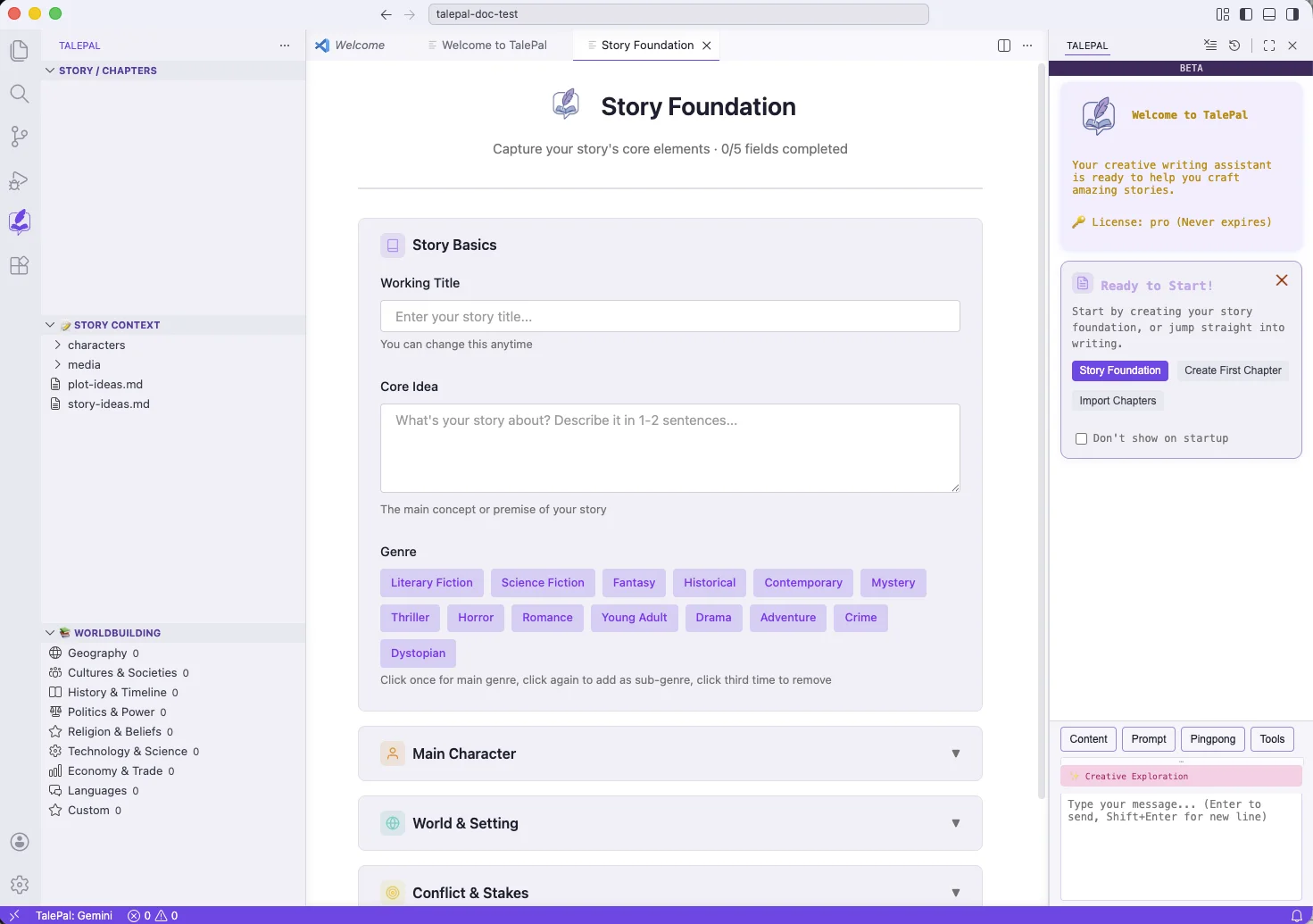
Fill in what you know. Skip what you don't — you can come back and refine later. The foundation feeds into every conversation you have with TalePal, so the AI always knows what your story is about.
Writing chapters
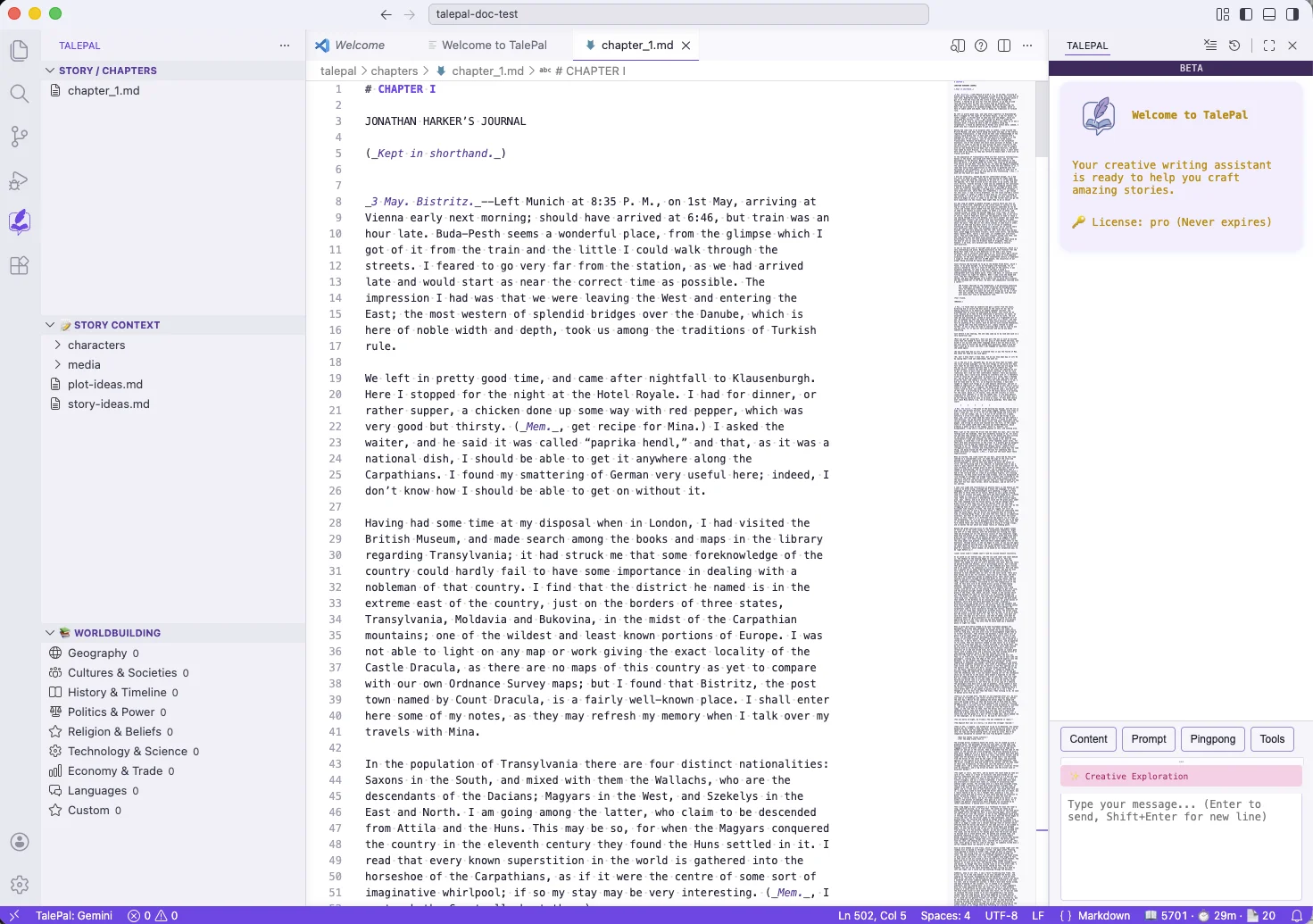
Chapters live in talepal/chapters/ as Markdown files. You can:
- Import existing files — click Importing existing chapters from the welcome screen, or drag
.mdfiles into thetalepal/chapters/folder - Create a new chapter — click Creating your first chapter from the welcome screen, or use the
+button in the Story/Chapters tree
Each chapter is a plain Markdown file. Write freely — TalePal doesn't impose any structure on your prose. Use headings, italics, bold, blockquotes — whatever serves the story.
Chapter management
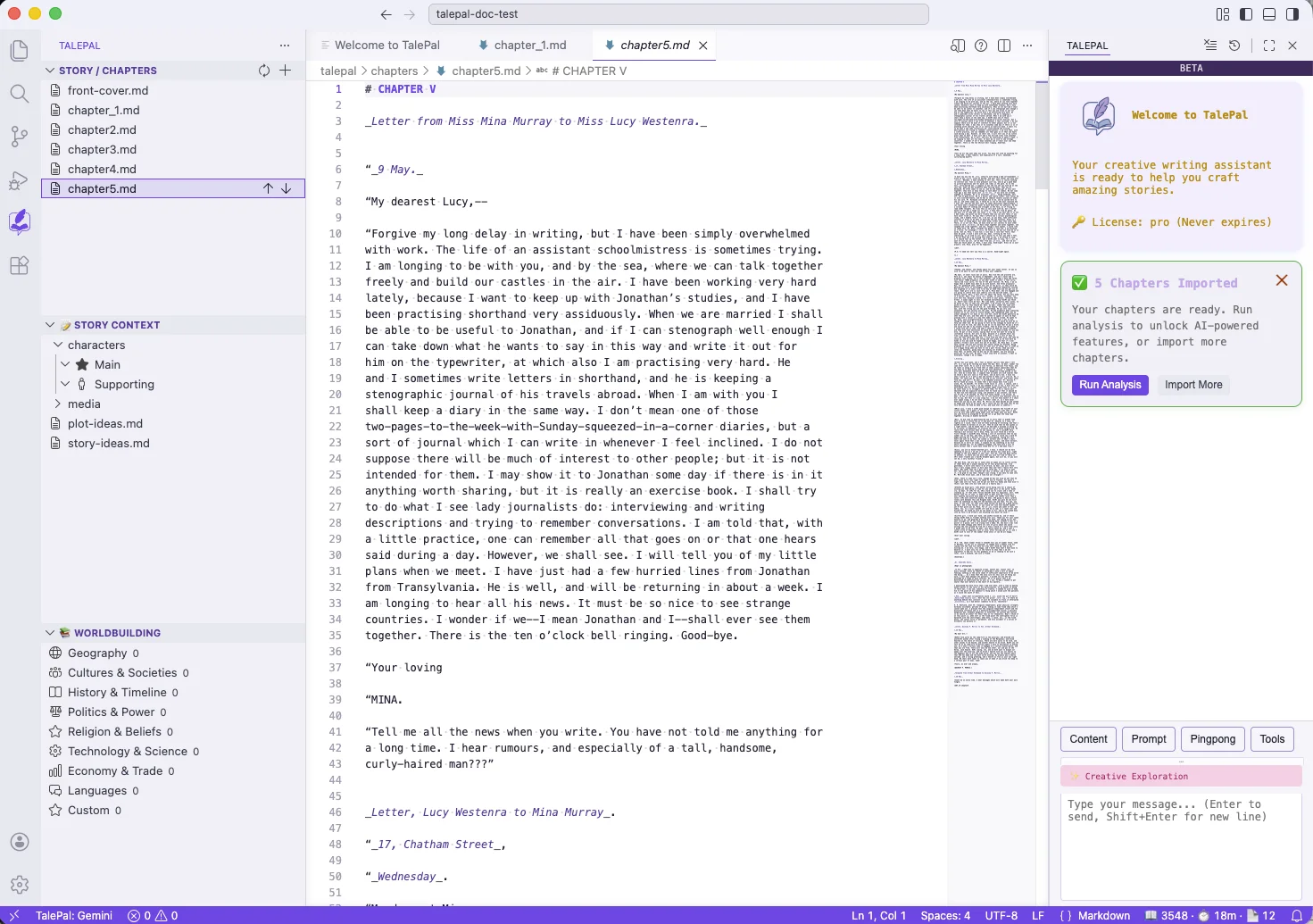
The Story / Chapters tree in the left sidebar shows all your chapters in order. You can:
- Reorder chapters with the up/down arrows
- Rename chapters
- Add a front cover (a special
front-cover.mdfile — used by EPUB export)
After importing or creating chapters, TalePal tracks them automatically. The sidebar updates as you add files.
Markdown basics
If you're new to Markdown, here's what you need:
| Syntax | Result |
|---|---|
# Chapter Title |
Heading |
**bold text** |
bold text |
*italic text* |
italic text |
--- |
Horizontal rule (scene break) |
> quoted text |
Blockquote |
 |
Image |
VS Code renders Markdown preview with Cmd+Shift+V (or the preview icon in the tab bar).
What happens when you save?
When you save a chapter file, TalePal:
- Updates the chapter registry (tracks file names, order, word counts)
- Makes the chapter available as context for AI conversations
- Reflects changes in the Story/Chapters sidebar
No manual "sync" needed — just save and write.
Next steps
You have a foundation and chapters. Now use the AI to develop your story:
- Chat UI — learn how to talk to TalePal effectively
- Pingpong Modes — choose the right creative partner mode for what you're working on
Next: Chat UI — master the chat panel, prompts, and @-mentions.