
Pingpong Modes
TalePal offers five creative dialogue modes. Each mode is a specialized AI partner that automatically loads the right context for the conversation. You're not locked into a sequence — switch modes whenever the work calls for it.
Switching modes
Click the Pingpong tab in the chat panel to open the mode picker. Select a mode and its welcome card will appear, explaining what the mode does and which topics it covers.
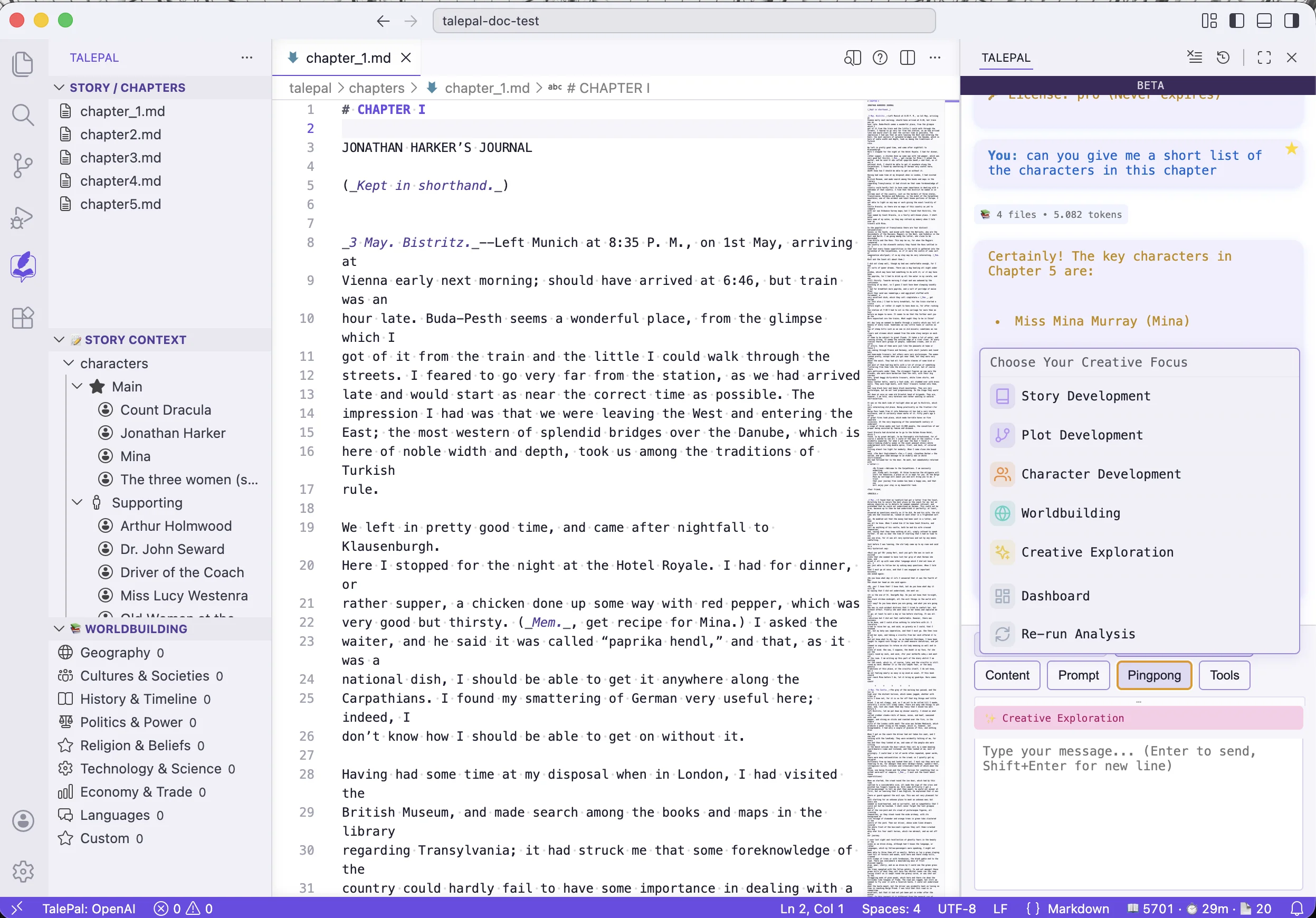
The active mode is shown as a badge below the chat tabs. You can switch at any time — your conversation history is preserved per mode.
Story Development
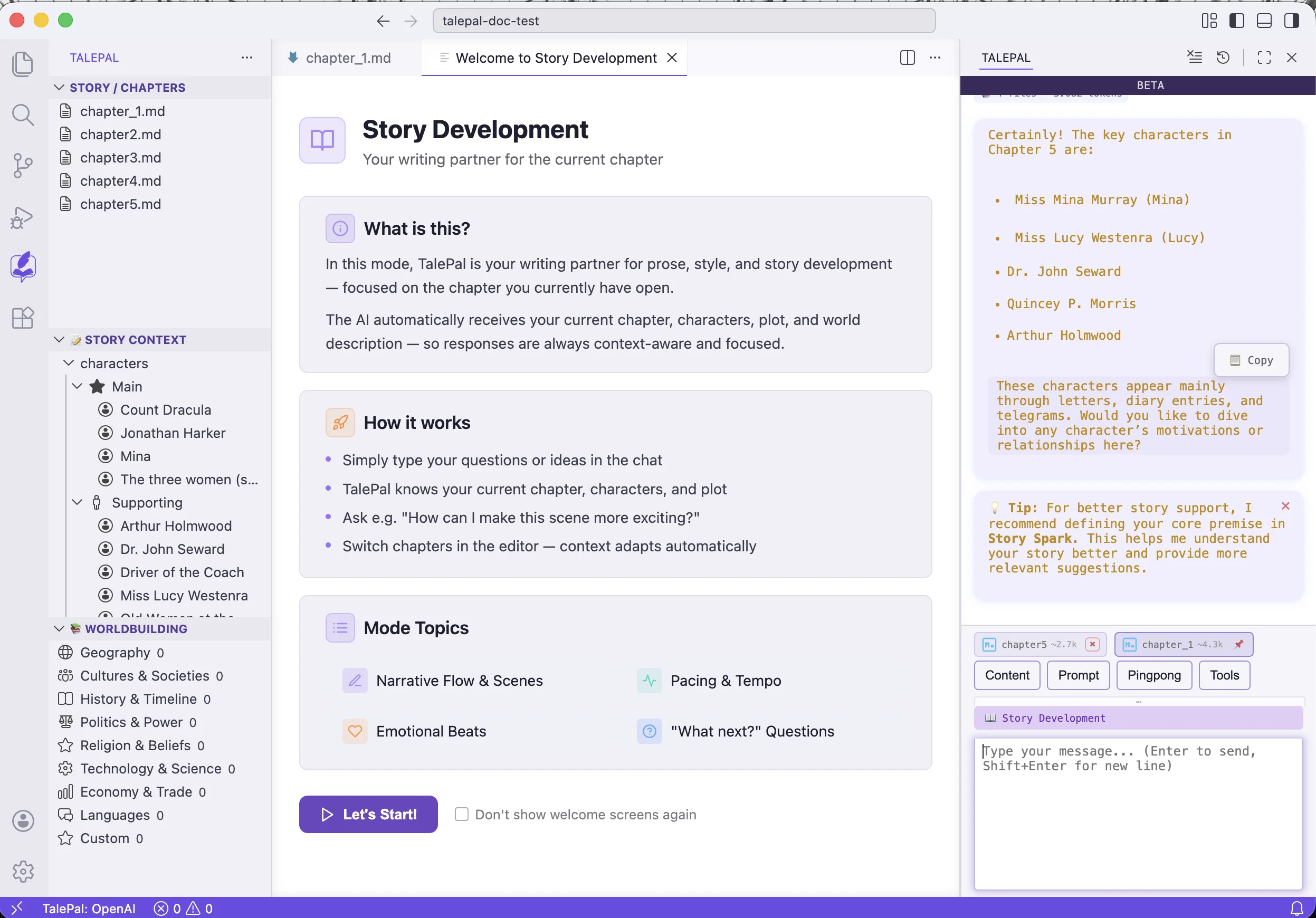
Your writing partner for the current chapter. The AI focuses on prose, scenes, and dialogue — helping you write, not plan.
Smart context: current chapter, character profiles, plot events, world description.
When to use: you're writing or editing a specific chapter and want feedback, suggestions, or help with a scene.
Character Development
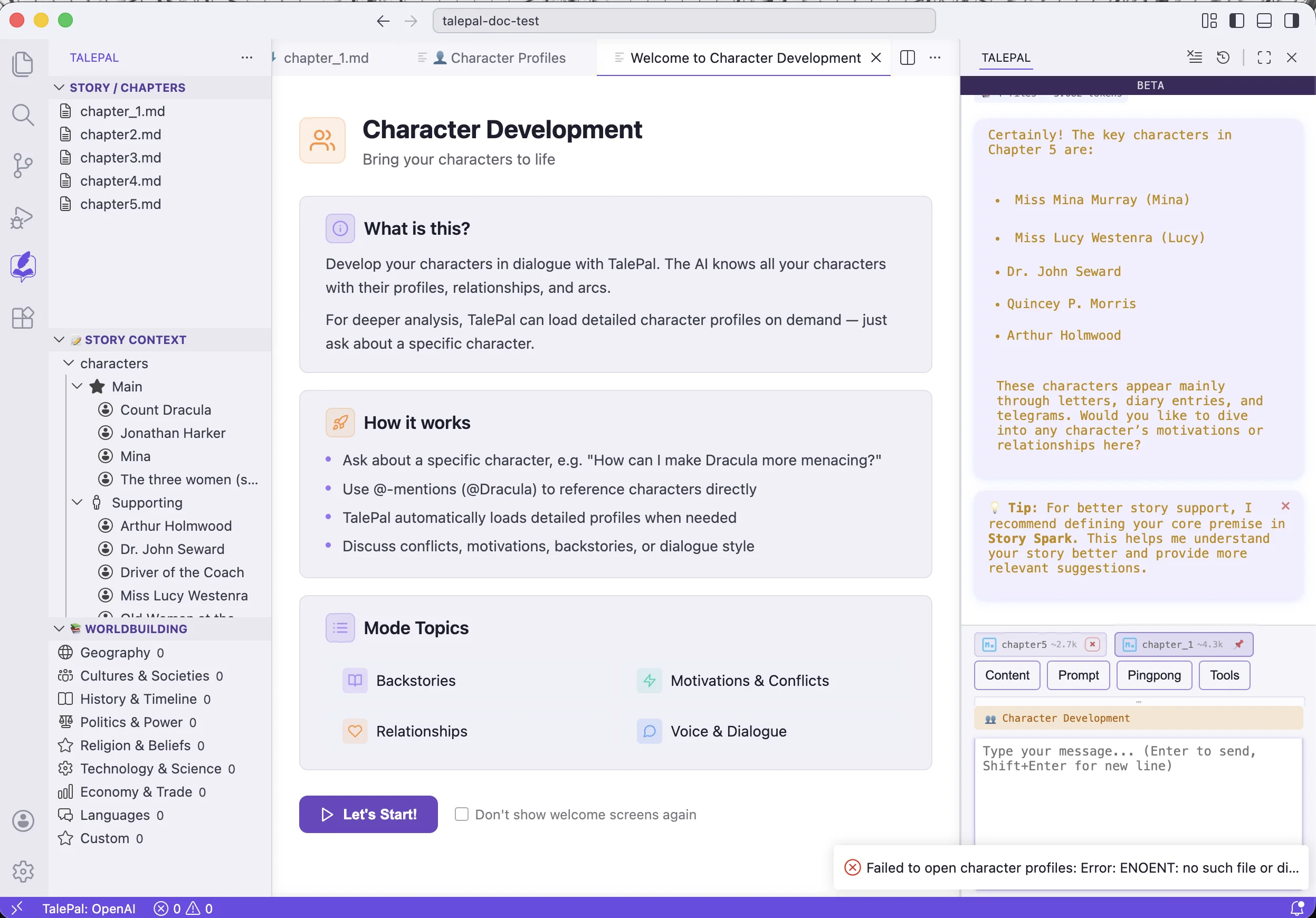
Deep work on your characters — psychology, motivations, relationships, and arcs.
Smart context: character profiles, chapter summaries, relationship data.
When to use: you want to explore a character's backstory, deepen their motivations, work out a relationship conflict, or plan a character arc.
Use @CharacterName to pull a specific character's full profile into the conversation.
Plot Development
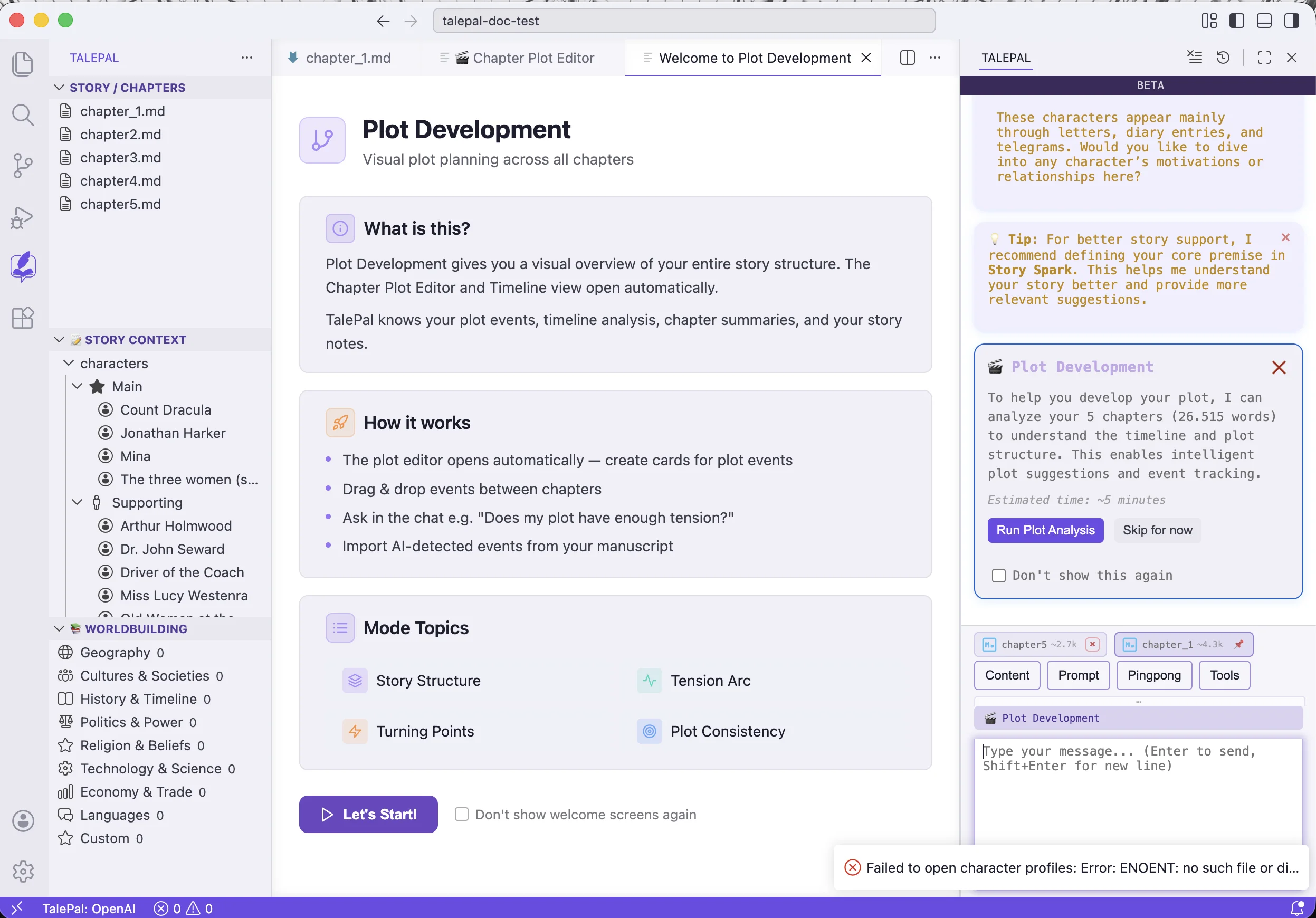
Plan and visualize your story structure. The Chapter Plot Editor and Timeline view open automatically.
Smart context: plot events, timeline analysis, chapter summaries.
When to use: you're planning the story arc, checking for plot holes, working on pacing, or mapping events across chapters.
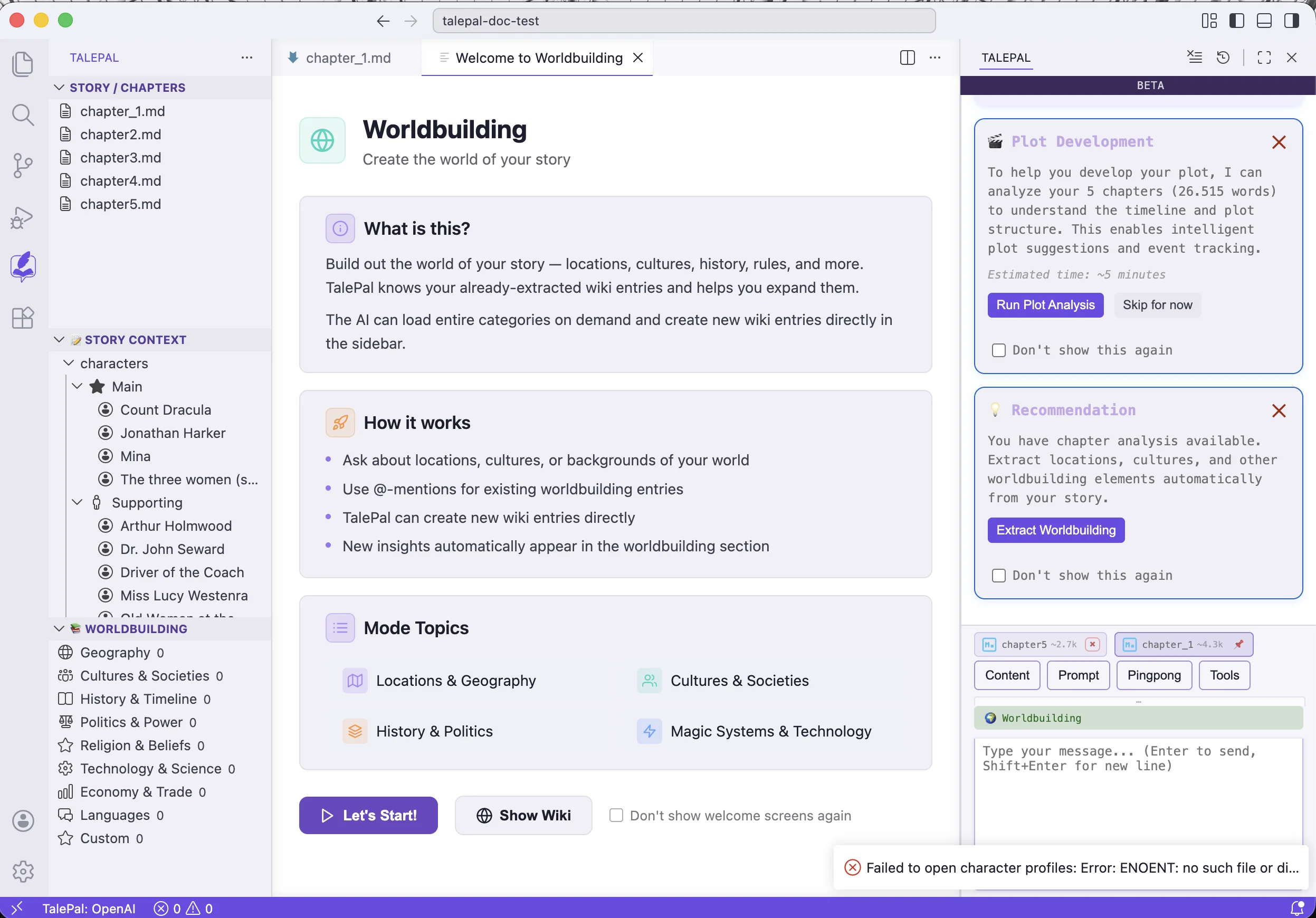
Worldbuilding
Build out your story's world with an integrated wiki. The AI knows your existing worldbuilding entries and can create new ones.
Smart context: worldbuilding entries (raw files if small, summaries if large), chapter summaries.
When to use: you want to develop locations, cultures, history, magic systems, or any aspect of your world. Use @EntryName to reference specific wiki entries.
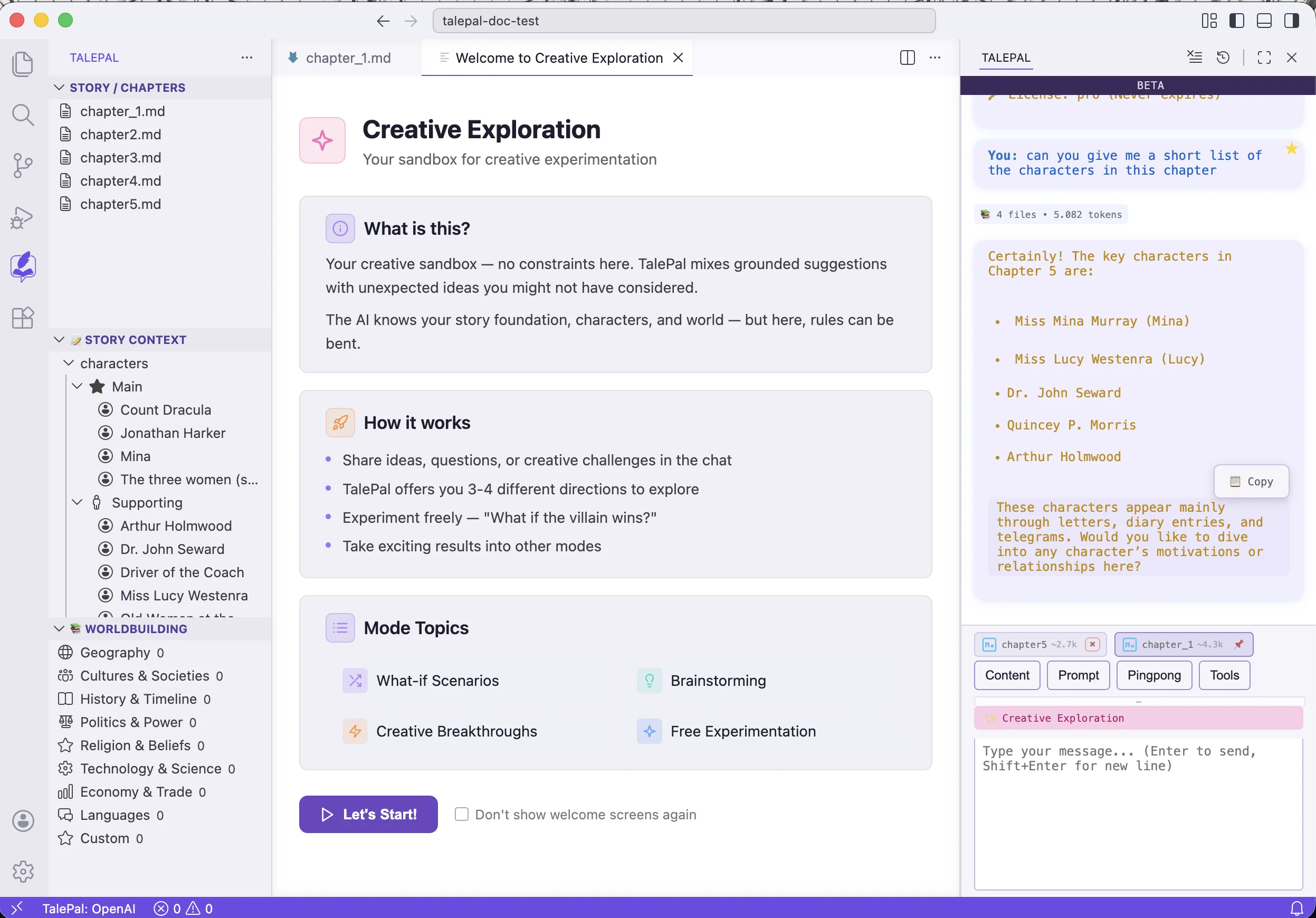
Creative Exploration
Your sandbox for free brainstorming — no constraints, no structure. The AI mixes grounded suggestions with unexpected ideas.
Smart context: foundation, all available context.
When to use: you want to brainstorm, explore "what if" scenarios, try wild ideas, or break out of a creative block. Results can be taken into other modes.
Tips
- You don't need to follow a sequence. Start wherever your work is — writing a scene? Use Story mode. Stuck on a character? Use Character mode.
- Context adapts automatically. Each mode loads what's relevant. You don't need to manually attach files for most conversations.
- Switch freely. Conversation history is preserved per mode. You can jump to Character mode to work out a motivation, then switch back to Story mode to write the scene.
- Mode focus setting: in Settings,
talepal.pingpong.modeFocuscontrols how strictly the AI stays on-topic within a mode.
Next: Manual Content — add characters, worldbuilding entries, and plot ideas by hand.