
Settings
TalePal's settings are organized into four groups. Open them via Settings in the Tools menu, or Cmd+, → search "talepal".
User vs Workspace settings
- User settings (global) persist across all workspaces — license key, API keys, UI preferences.
- Workspace settings (per-project) are stored in
.vscode/settings.jsoninside your project — language, readability thresholds, preview style.
Most settings work at both levels. Workspace settings override User settings when set.
License & AI Provider
Your license key and AI service configuration. These are typically User-level settings since they apply to all your projects.
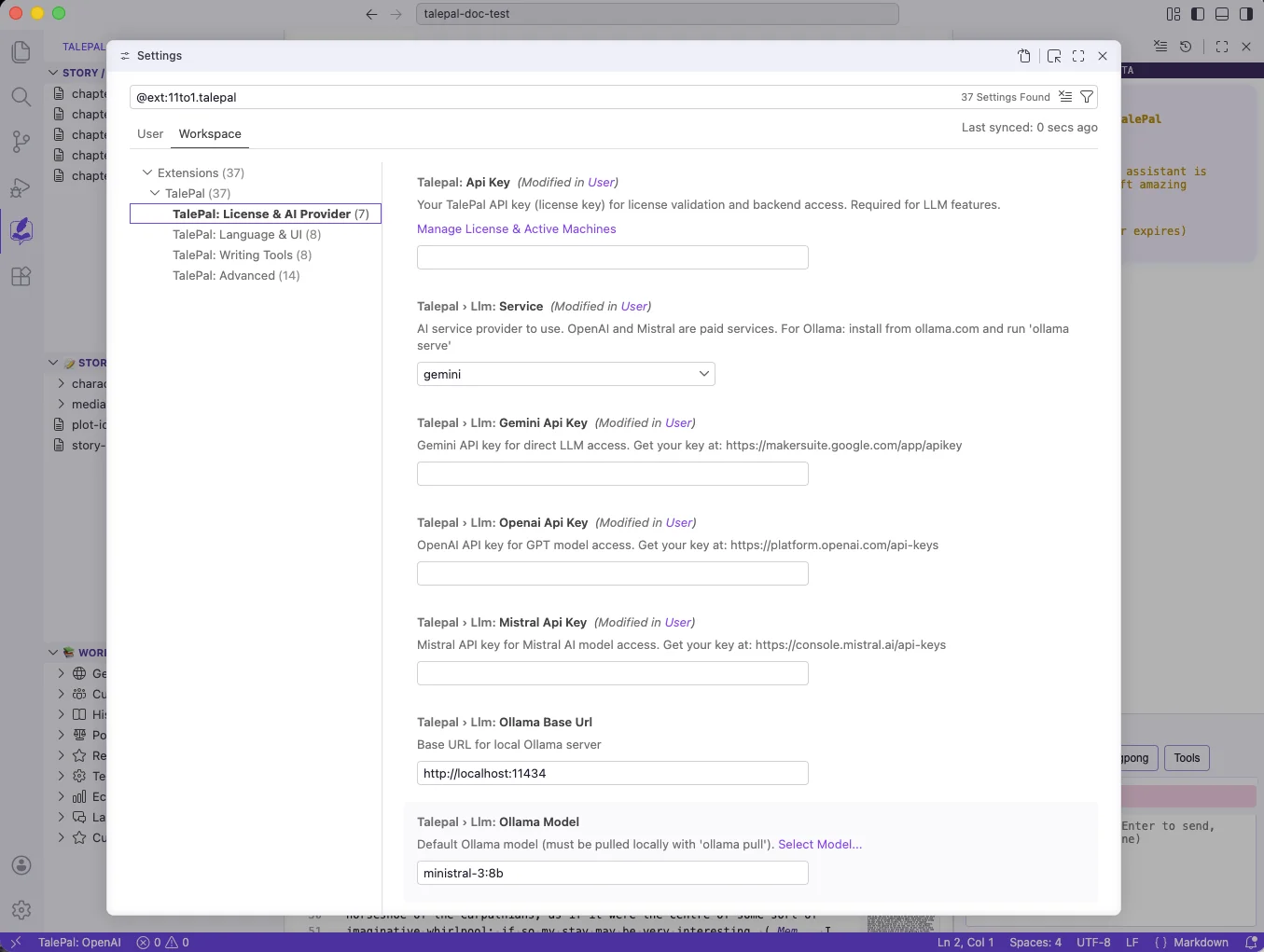
| Setting | Description | Default |
|---|---|---|
talepal.apiKey |
TalePal license key for activation | — |
talepal.llm.service |
AI provider: gemini, openai, mistral, or ollama | gemini |
talepal.llm.geminiApiKey |
Gemini API key | — |
talepal.llm.openaiApiKey |
OpenAI API key | — |
talepal.llm.mistralApiKey |
Mistral API key | — |
talepal.llm.ollamaBaseUrl |
Ollama server URL | http://localhost:11434 |
talepal.llm.ollamaModel |
Default Ollama model | ministral-3:8b |
Language & UI
Interface language, welcome screens, mode behavior, chapter display, and book preview style.
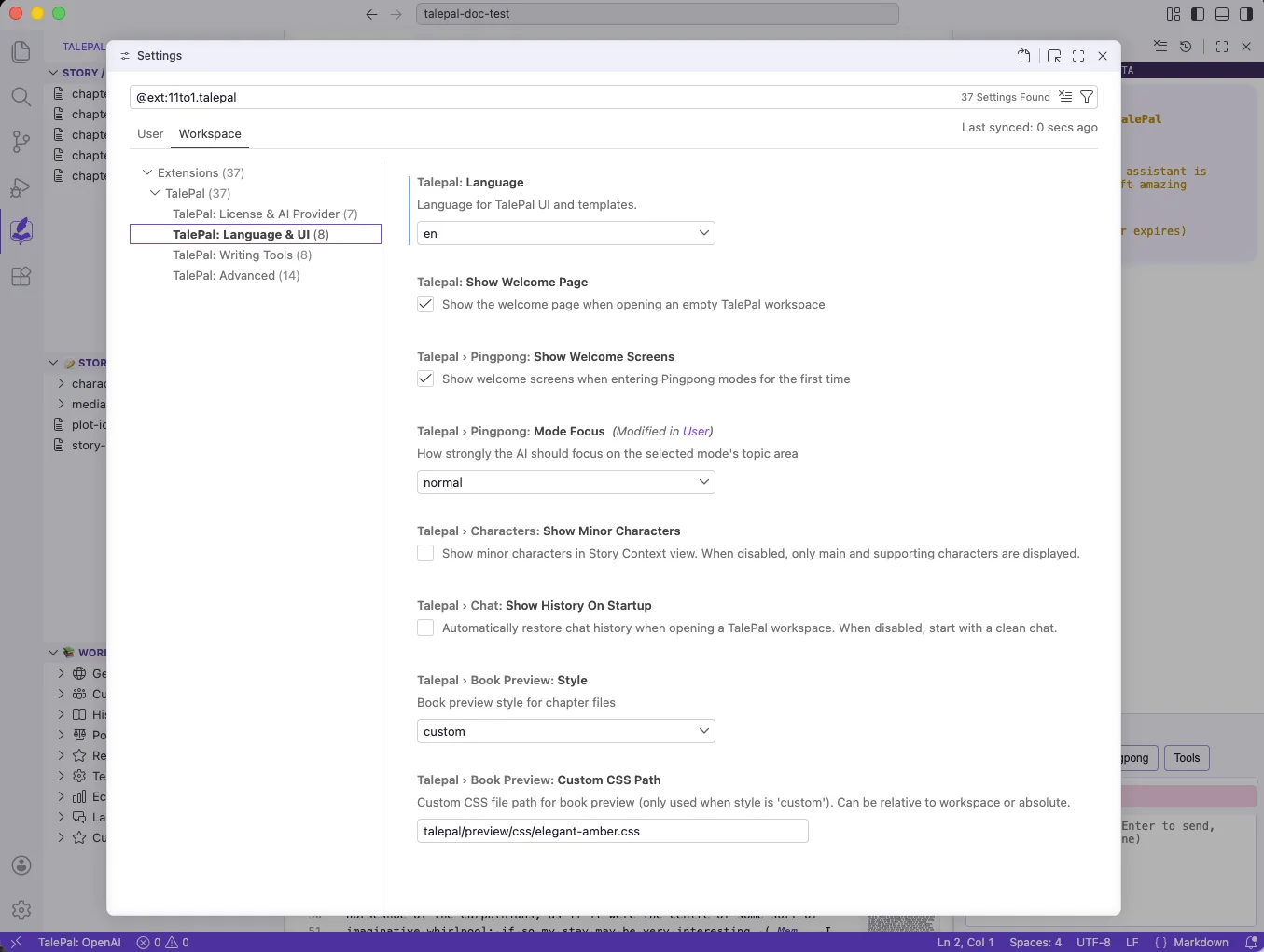
| Setting | Description | Default |
|---|---|---|
talepal.language |
UI and output language (en/de) | de |
talepal.showWelcomePage |
Show welcome panel on empty workspaces | true |
talepal.pingpong.showWelcomeScreens |
Show mode welcome cards on first entry | true |
talepal.pingpong.modeFocus |
How strictly AI stays on-mode (normal/strict) | normal |
talepal.characters.showMinorCharacters |
Show minor characters in sidebar | false |
talepal.chat.showHistoryOnStartup |
Restore chat history on workspace open | false |
talepal.bookPreview.style |
Preview theme (auto/classical/modern-light/modern-dark/custom) | custom |
talepal.bookPreview.customCssPath |
Custom CSS path for book preview | talepal/preview/css/elegant-amber.css |
Writing Tools
Smart context behavior, readability thresholds, and spellcheck limits. These are typically Workspace-level settings since different projects may need different thresholds.
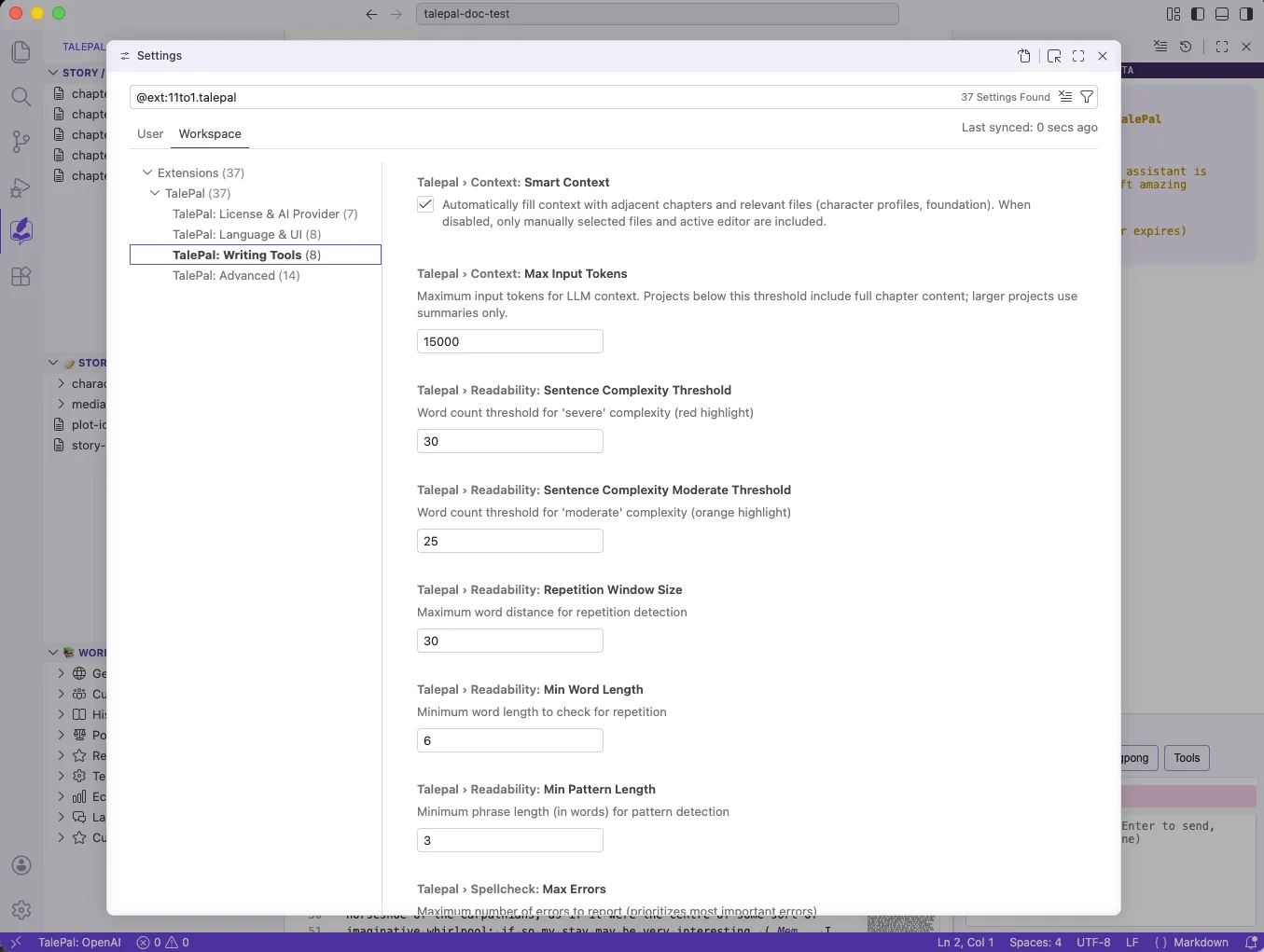
| Setting | Description | Default |
|---|---|---|
talepal.context.smartContext |
Auto-fill context with relevant files | true |
talepal.context.maxInputTokens |
Max tokens for LLM context window | 15000 |
talepal.readability.sentenceComplexityThreshold |
Words per sentence for severe (red) | 30 |
talepal.readability.sentenceComplexityModerateThreshold |
Words per sentence for moderate (orange) | 25 |
talepal.readability.repetitionWindowSize |
Word distance for repetition detection | 30 |
talepal.readability.minWordLength |
Minimum word length for repetition check | 6 |
talepal.readability.minPatternLength |
Minimum phrase length for pattern detection | 3 |
talepal.spellcheck.maxErrors |
Max spelling/grammar errors to report | 20 |
Advanced
Settings most users never need to change. Chapter splitting thresholds, pattern validation retries, debug logging, telemetry, and feedback configuration.
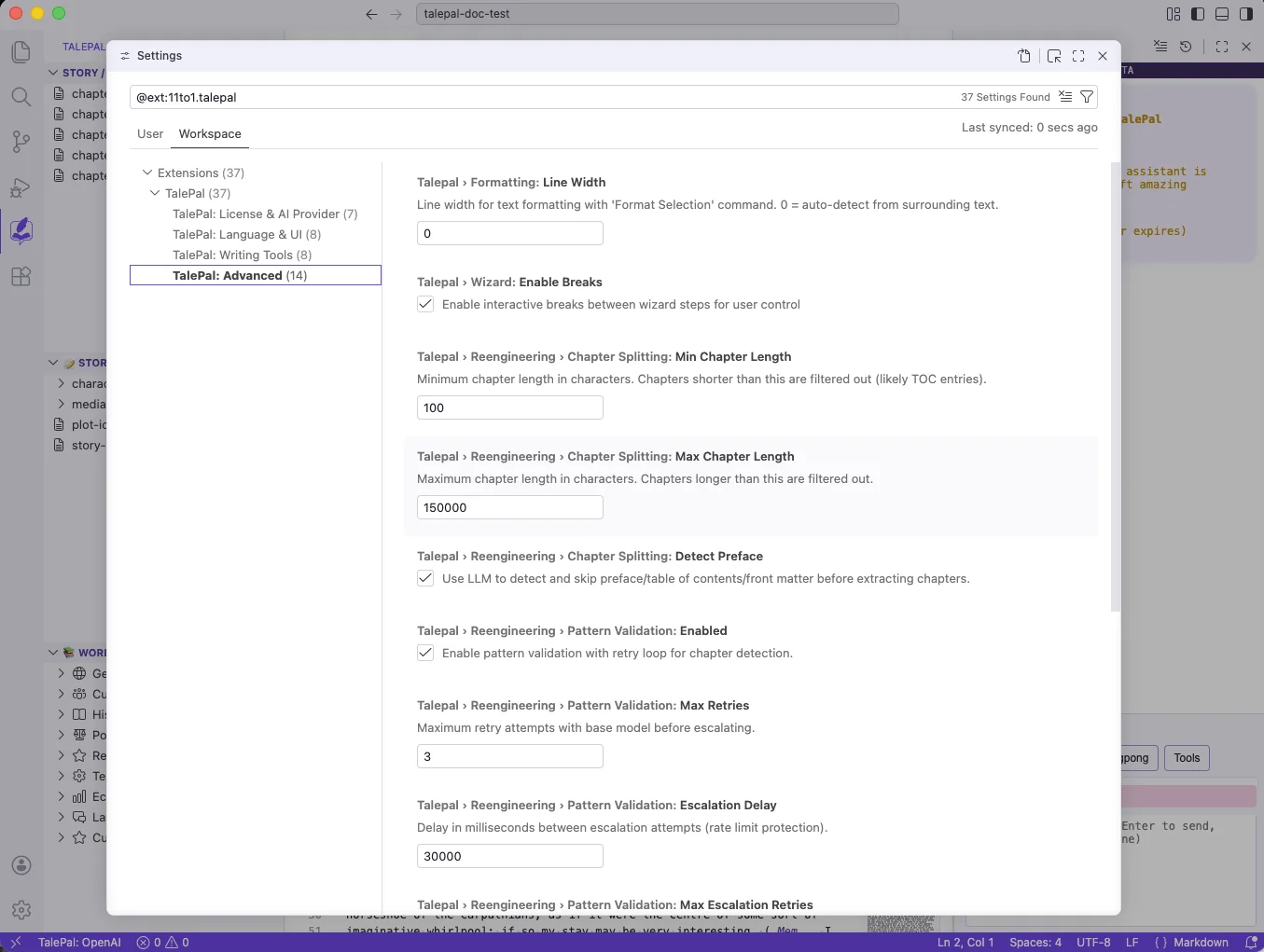
| Setting | Description | Default |
|---|---|---|
talepal.formatting.lineWidth |
Line width for Format Selection (0 = auto) | 0 |
talepal.wizard.enableBreaks |
Interactive breaks between wizard steps | true |
talepal.reengineering.chapterSplitting.minChapterLength |
Min chapter length in characters | 100 |
talepal.reengineering.chapterSplitting.maxChapterLength |
Max chapter length in characters | 150000 |
talepal.reengineering.chapterSplitting.detectPreface |
LLM preface/TOC detection | true |
talepal.reengineering.patternValidation.enabled |
Pattern validation with retry | true |
talepal.reengineering.patternValidation.maxRetries |
Max retries before escalation | 3 |
talepal.reengineering.patternValidation.escalationDelay |
Delay between escalation attempts (ms) | 30000 |
talepal.reengineering.patternValidation.maxEscalationRetries |
Max escalation retries | 2 |
talepal.debug.verbose |
Verbose debug logging | false |
talepal.telemetry.enabled |
Anonymous usage telemetry | true |
talepal.telemetry.endpoint |
Backend API endpoint | https://api.talepal.org/... |
talepal.feedback.url |
Feedback service URL | https://feedback.talepal.org |
talepal.beta.feedbackRibbonStyle |
Beta feedback ribbon style | sticky-top |